How do you install codecs on Rocky Linux 10.
First, install RPM Fusion. The instructions are on their website.
Next, enable CRB:
sudo dnf config-manager --enable crbNow, install the codecs via dnf:
sudo dnf groupupdate core
sudo dnf groupupdate multimedia --setop="install_weak_deps=False" --exclude=PackageKit-gstreamer-plugin
sudo dnf groupupdate sound-and-video
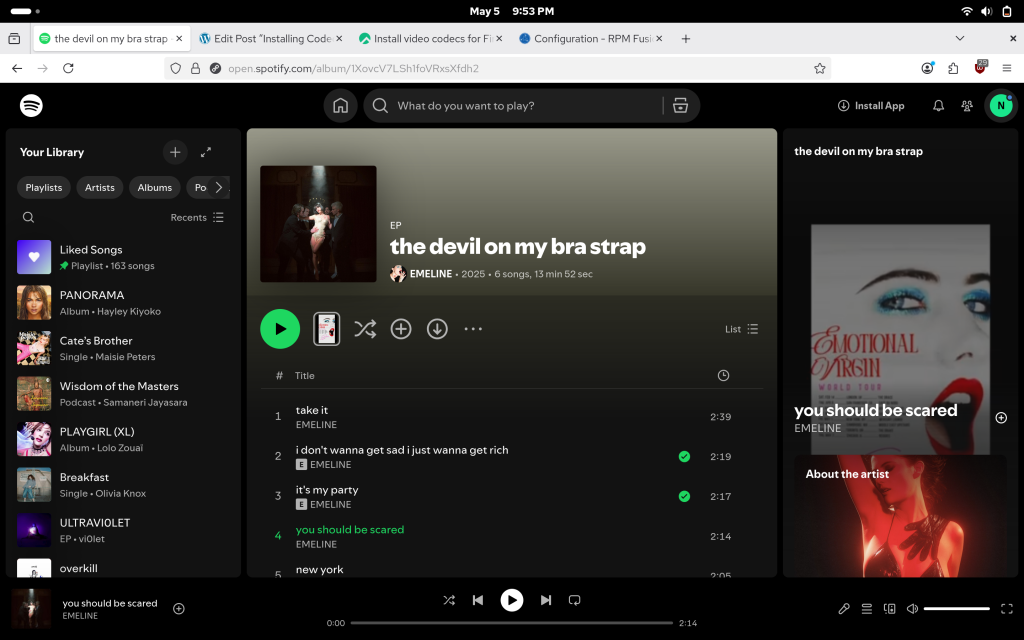
After that, the codecs should work on Firefox:
Leave a Reply