Installing Codecs on Rocky Linux 10 and Firefox

While I certainly like my Linux laptop, a HP OmniBook Ultra Flip, one problem I had with Fedora 44 is an extremely unreliable keyboard after resuming. Running Rocky Linux on my servers, I installed it on my OmniBook also.

So how do you install codecs on Rocky Linux 10.

First, install RPM Fusion. The instructions are on their website.

Next, enable CRB:

sudo dnf config-manager --enable crb

Now, install the codecs via dnf:

sudo dnf groupupdate core
sudo dnf groupupdate multimedia --setop="install_weak_deps=False" --exclude=PackageKit-gstreamer-plugin
sudo dnf groupupdate sound-and-video

After that, the codecs should work on Firefox:
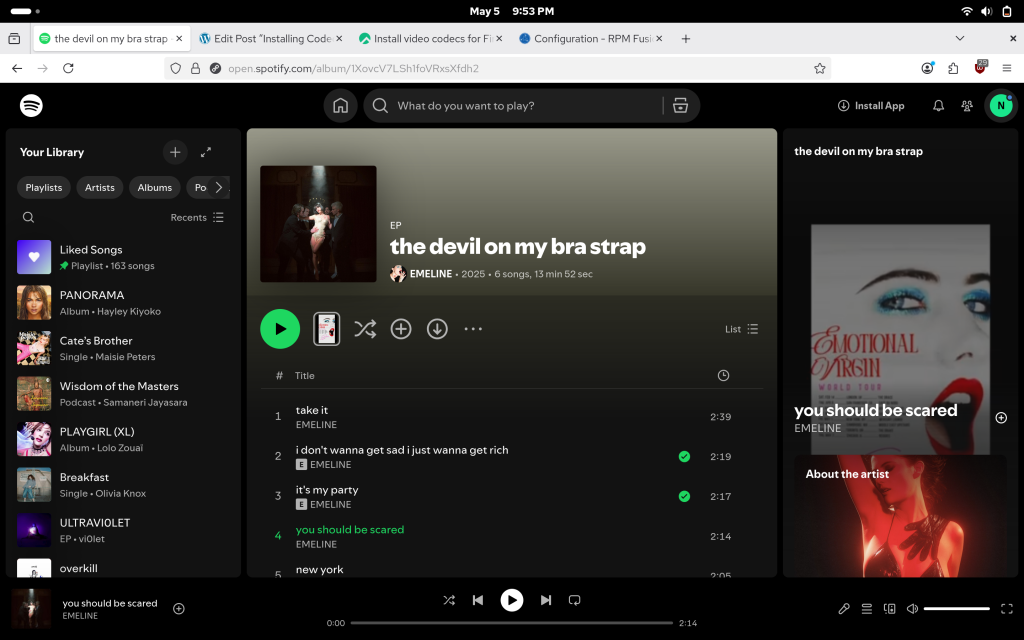
A screenshot of Rocky Linux 10 and Firefox playing Spotify via RPM Fusion cocecs. More specifically, Emeline's song 'you should be scared'.

Comments

Leave a Reply

Your email address will not be published. Required fields are marked *

This site uses Akismet to reduce spam. Learn how your comment data is processed.